Music Video Sequence 2.0: consistent characters, every scene
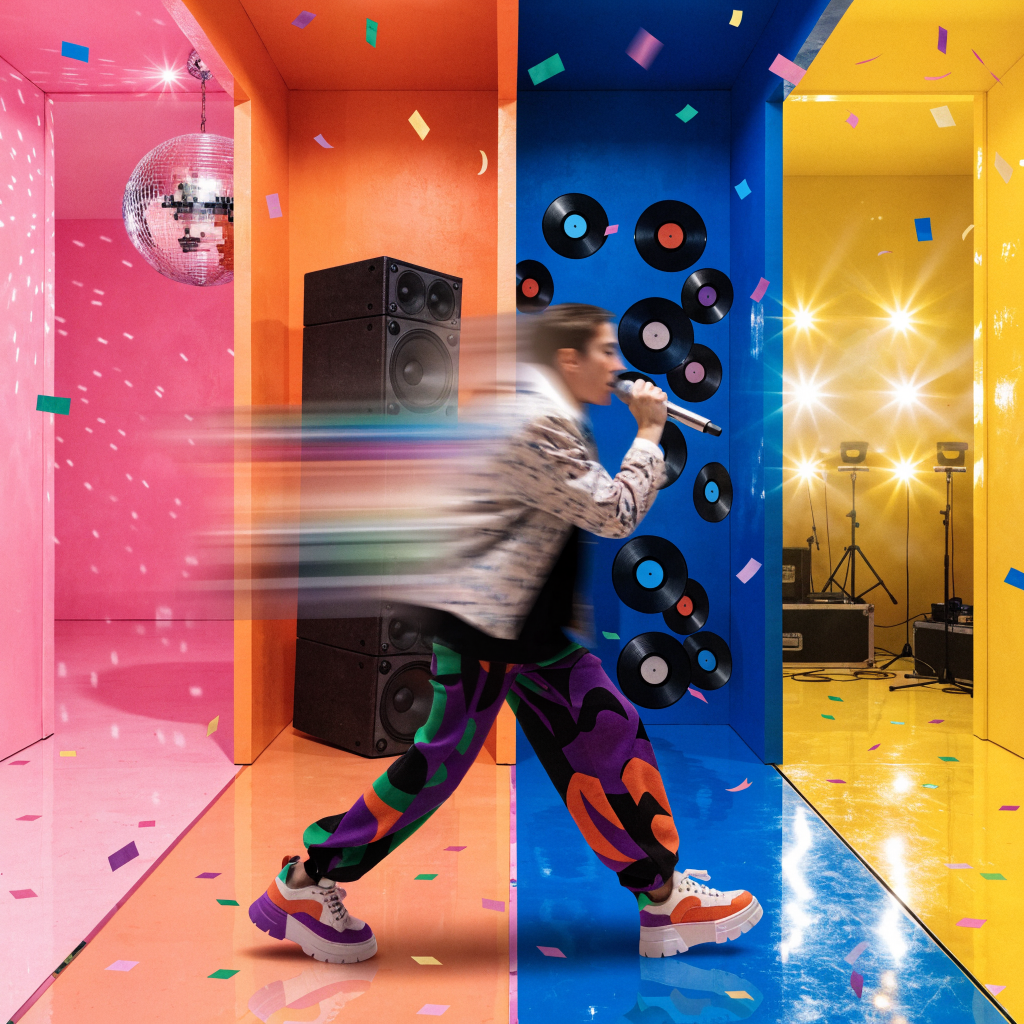
This version of Music Video Sequence locks your character consistency from scene to scene. Same face, same outfit, same vibe, all the way through.
How it works:
Sequence 2.0 builds a reference sheet for your character. Every scene gets built against that sheet, so your character stays themself from the first shot to the last.
What to try:
Describe your character, three or four environments and actions
Add a reference image in Restyle or Reference mode or create from your prompt and sound in Generate mode
Try Lite or Turbo models to repeat some clips throughout the video to reduce credit cost
Start with a 30-second test before committing to a full-length video.
Read the guide → Music Video Sequence 2.0: Consistent Characters Across Every Scene
Try it → Open Music Video Sequence 2.0