August 25th, 2026
New

You can now access and use Kaiber from your phone or tablet. The mobile version is built for a small screen, with over 20 intelligent workflows for generating on the go.ย Use the same account, access your existing media library, no app to download.
To access Kaiber on mobile, open kaiber.ai in your mobile browser.
For the full toolkit of Canvas + Cuts + Editor, desktop is still home base.
Learn more about Kaiber on mobile vs desktop.
August 19th, 2026

ByteDance's latest Seedance model, now available in Canvas. Seedance 2.5 upgrades Seedance 2.0 with native clips up to 30 seconds long, plus stronger multimodal reference support.
Two modes to choose from:
Generate mode: text to video, or animate from a start keyframe with an optional end keyframe.
Reference mode: bring in image, video, and audio references to guide your generation.
Duration:ย 4-30s.
Resolution: 480p, 720p, or 1080p.
Generate audio:ย toggled on or off.
Access: Add a Create Video Flow to the Canvas and choose Seedance from the menu. Open Advanced Features at the bottom of the flow and switch the model from 2.0 to 2.5.

August 19th, 2026

Generate cinematic video at up to 2K resolution with native audio from text, images, or multi-modal references with MiniMax H3.
Two modes to choose from:
Generate mode: text to video, or animate from a start keyframe with an optional end keyframe.
Reference mode: combine up to 9 reference images, 3 reference videos, and 3 audio clips to guide character, motion, and voice.
Duration: 4-15s.
Resolution: 768p or 2K.
Aspect ratio: 16:9, 1:1, 4:3, 3:4, or 9:16.
Access: Add a Create Video Flow to the Canvas and choose Minimax H3 from the menu. Open Advanced Features at the bottom of the flow to change modes and settings.

August 19th, 2026
New

Multimodal video generation with native audio, up to 20 seconds.
Two modes to choose from:
Generate mode: text to video, animate from a start frame, or first and last frame animation.
Keyframe mode:ย add up to 6 reference images to guide a single video, paired with a prompt.
Duration: 5-20s.
Resolution: 720p or 1080p.
Audio generation: can be toggled on or off.
Access through the Create Video flow on Canvas, and open the Advanced Features to change modes and settings.

July 10th, 2026

Seven new additions to the Kling lineup in Canvas. Check out the full range:
Kling 3.0 4K โ New
Kling 3.0 Proย โ New
Kling 3.0 Standardย
Kling 2.6 Pro โ New
Kling 2.5 Turbo Pro โ New
Kling 2.5 Turbo Standard โ New
Kling 2.1 Master โ New
Kling 2.1 Pro โ New
Kling 2.1 Standard
Access: Add a Create Video Flow to Canvas, select Kling from the model dropdown menu, then click Advanced Features at the bottom of the Flow to see the full range and choose your model.

July 8th, 2026

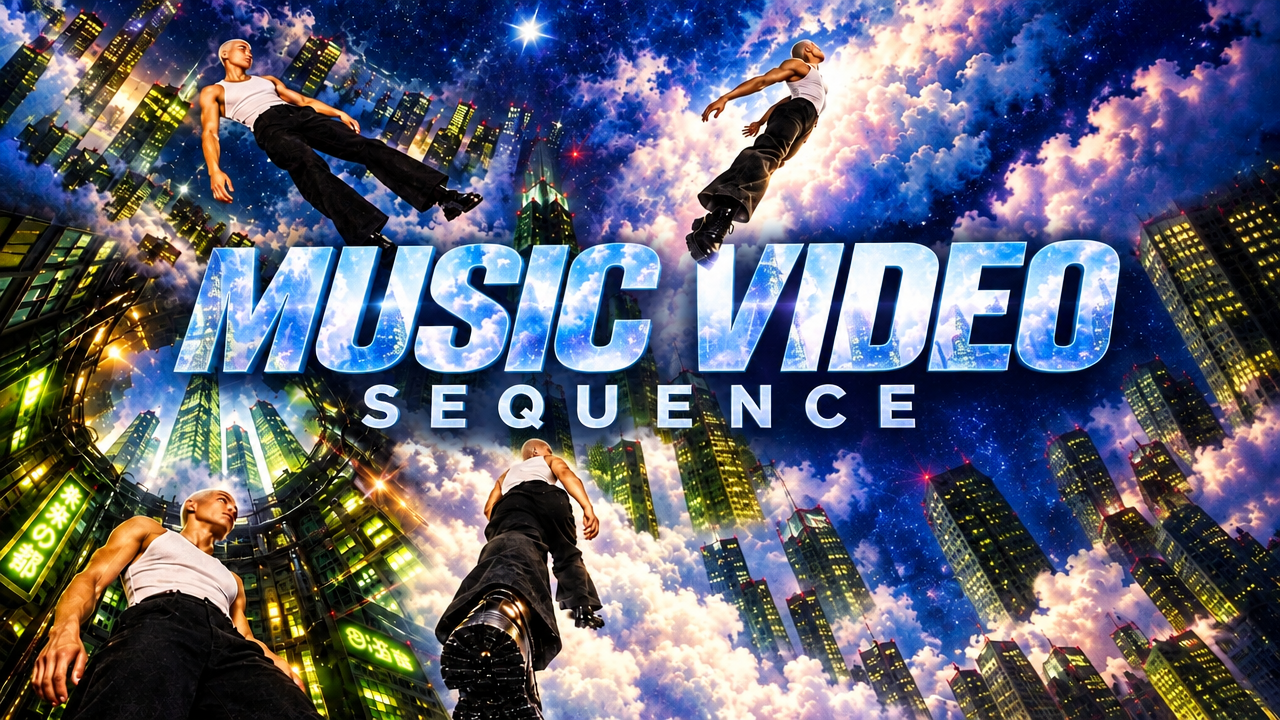
Turn a song into a dynamic music video in minutes with Music Video Montage.
Simply drop in your audio, add a description, and Music Video Montage analyzes the sound to generate a video shaped by the style, content, and emotion of your track.
No editing, no timeline, no clip-by-clip work. Just a song in, a music video out.
Generate 1, 2, or 3-minute videos in a choice of aspect ratios and resolutions.
Generate just from your sound and description, or add an image to reference or restyle.
Learn how to use Music Video Montage โ Music Video Montage: Turn audio into a music video in minutes
June 29th, 2026

ByteDance's top-ranked AI video model is now live in Canvas.
Seedance 2.0 brings multimodal reference generation, with ability to combine up to 9 images, 3 video clips, and 3 audio files in a single generation.
Key capabilities: use video to add movement to characters and scenes, realistic movement physics, character consistency across shots, native audio generation, and director-level control.
Learn how to use Seedance 2.0 โ Seedance 2.0 Workflow and Prompt Guide
June 26th, 2026

Create a 1:1, 16:9, 9:16, 4:3 or 3:4 thumbnail for your socials from a description.
Access Thumbnail Generator through the Create Image Flow in Canvas or in Featured Workflows on your Dashboard.
June 26th, 2026

Generate a connected seamless transition to turn your video into a loop. Use a text prompt to describe the transition.
Access it through the Create Video Flow in Canvas or Featured Workflows in your Dashboard.
June 26th, 2026

Generate a musical soundtrack synced to your video. Optionally steer the style with a text prompt.
Access Auto Score Video through the Create Video Flow in Canvas or Featured Workflows in your Dashboard.